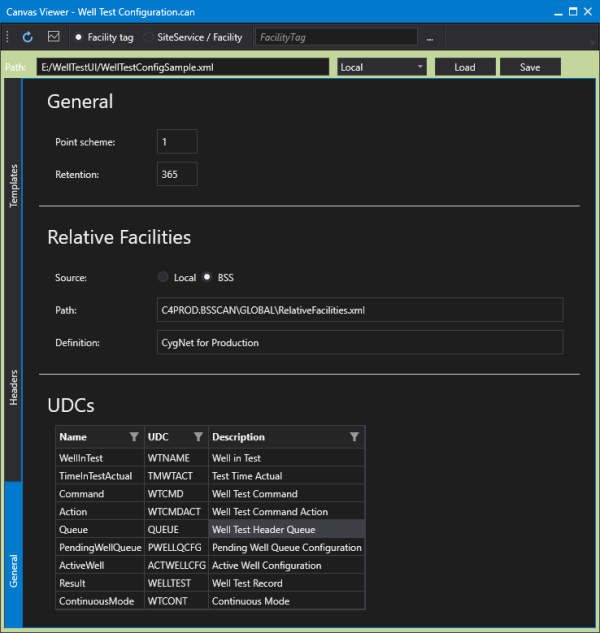
Sample Well Test Configuration Screen
The Well Test Configuration sample screen (Well Test Configuration.can) is a Canvas screen that can be used to easily load, configure, and save the XML required by the CygNet Well Test Module using a friendly user interface. The sample screen contains several Canvas controls, including a Text tool, Edit Box, Combo Box, Buttons, and a Well Test Control.
The Well Test Control (CygNet.API.WellTest.Controls.dll) is a plugin control assembly that is available for use in Canvas to allow the manual definition of the well test configuration XML file. This plugin provides a user-friendly method for defining the necessary elements required to execute a well test via a Canvas screen. Using the control assembly and a configuration screen you can easily define the following well test properties: Point Scheme, data retention value, relative facilities, UDCs, headers, wells in the well test, header templates, positions, commands, and associated actions for each command.
See Configuring Well Test Using Canvas for more information about using this screen.
|
Canvas Well Test Configuration Sample Screen |